Add Howlback to your home screen
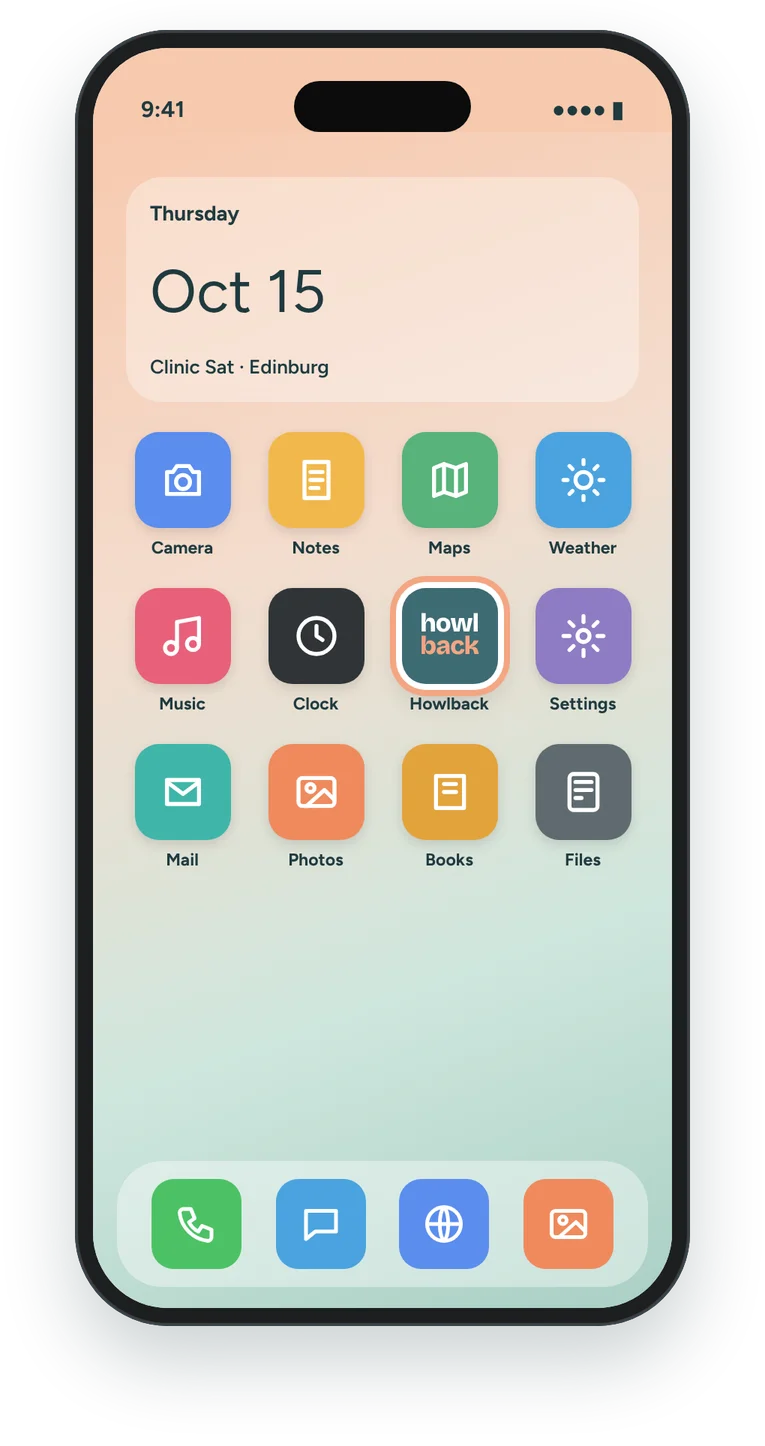
It takes 10 seconds. Howlback gets its own icon and opens full screen, just like an app. No app store needed.
- Open howlback.app in Safari.
- Tap the Share button at the bottom of the screen (on iPad it’s at the top).
- Scroll down and tap Add to Home Screen.
- Tap Add. Howlback now opens from your home screen, full screen.
Want it in Safari favorites too? Tap Share, then Add to Favorites.
- Open howlback.app in Chrome.
- Tap the menu (three dots, top right).
- Tap Add to home screen or Install app.
- Tap Install. Howlback shows up with your other apps.
To bookmark it instead, tap menu, then the ☆ star.
Stay in the loop
Local stories, upcoming clinics, and first word when the Howlback app launches. By email or text, your pick.
Free. Unsubscribe anytime.
We’ll text you once when the app launches. By signing up you agree to get texts from Howlback. Msg and data rates may apply. Reply STOP to opt out.
You’re on the list! We’ll text you when the app is out.
That didn’t go through. Check your number and try again.